PulseLink Interactive Control Software
Secure remote control software designed for interactive devices. Fast connection, low latency, easy setup, and seamless synchronization.
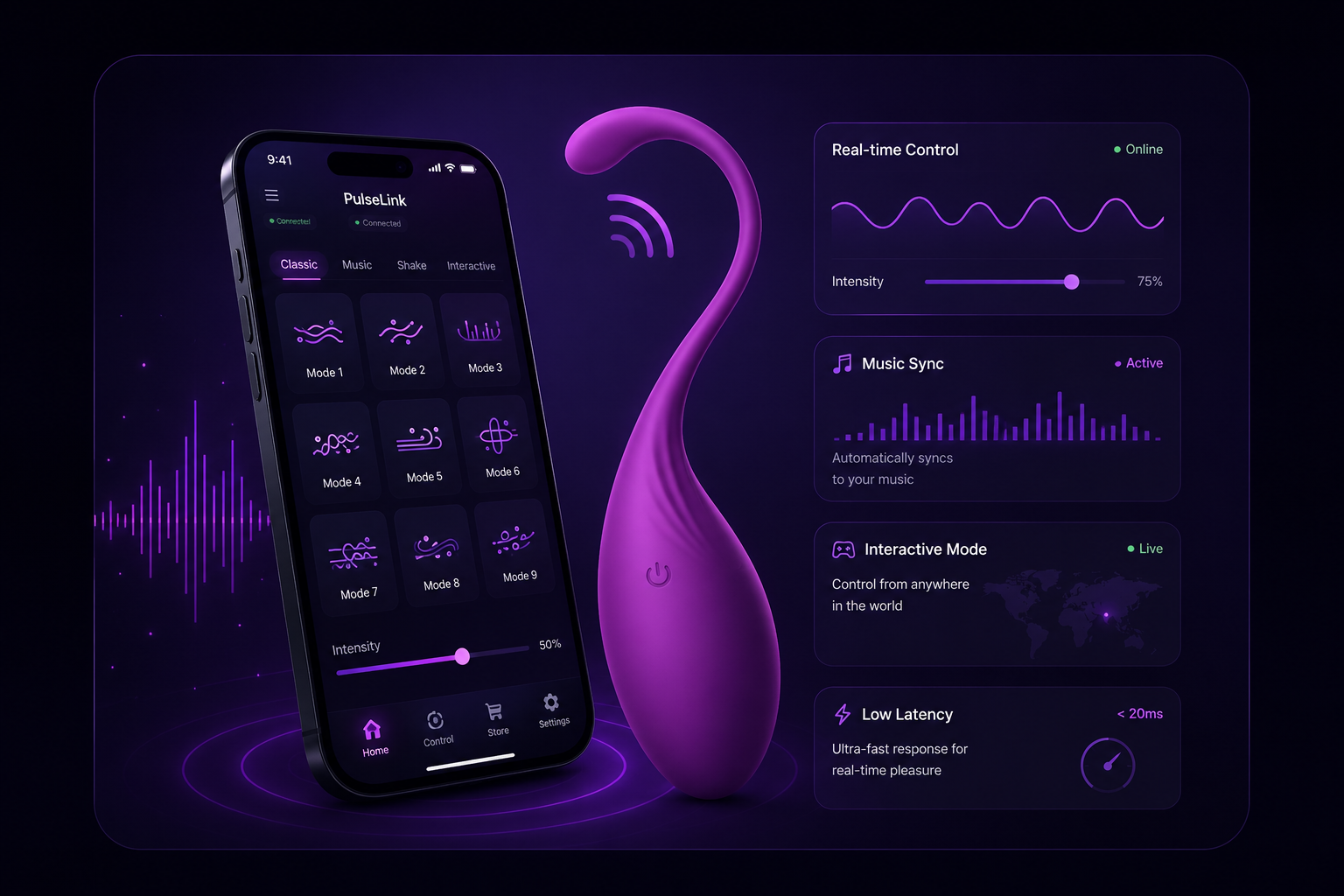
Choose your PulseLink
Three editions engineered for different workflows. All ship with the same secure core.
PulseLink Lite
Starter- Lightweight version
- Fast installation
- Supports one device
- Recommended for beginners
PulseLink Connect
Most Popular- Multi-device support
- Better synchronization
- Stable remote connection
- Lower latency
- Recommended version
PulseLink Studio
Pro- Professional edition
- Maximum performance
- Advanced synchronization
- Priority updates
- Multiple connection profiles
Up and running in four steps
A guided setup gets you connected without touching a config file.
Download PulseLink
Grab the installer for your operating system.
Install the application
Run the installer on your computer — takes under a minute.
Open & select version
Launch PulseLink and choose the edition that fits your setup.
Enter the model name
Enter the software model name provided by the creator to complete setup.
Built for interactive control
Everything you need to run reliable interactive experiences from one lightweight app.
Low Latency
Sub-20ms end-to-end command delivery.
Secure Connection
Encrypted tunnels with rotating keys.
Easy Setup
No config files. Guided pairing flow.
Automatic Updates
Silent background updates you can trust.
Multiple Devices
Control an entire fleet from one dashboard.
Remote Sync
State stays consistent across the network.
Stable Performance
Battle-tested for continuous operation.
Cross Platform
Windows, macOS, Android and iOS support.
Runs everywhere you do
One account, every device. PulseLink ships native builds for the major platforms.
Questions, answered
Everything you need to know before installing PulseLink.